Built around the decisions your team makes every day
Every project starts with one question: what do your people need to know, and when do they need to know it? Here's what we build to answer it.
Real-time dashboards
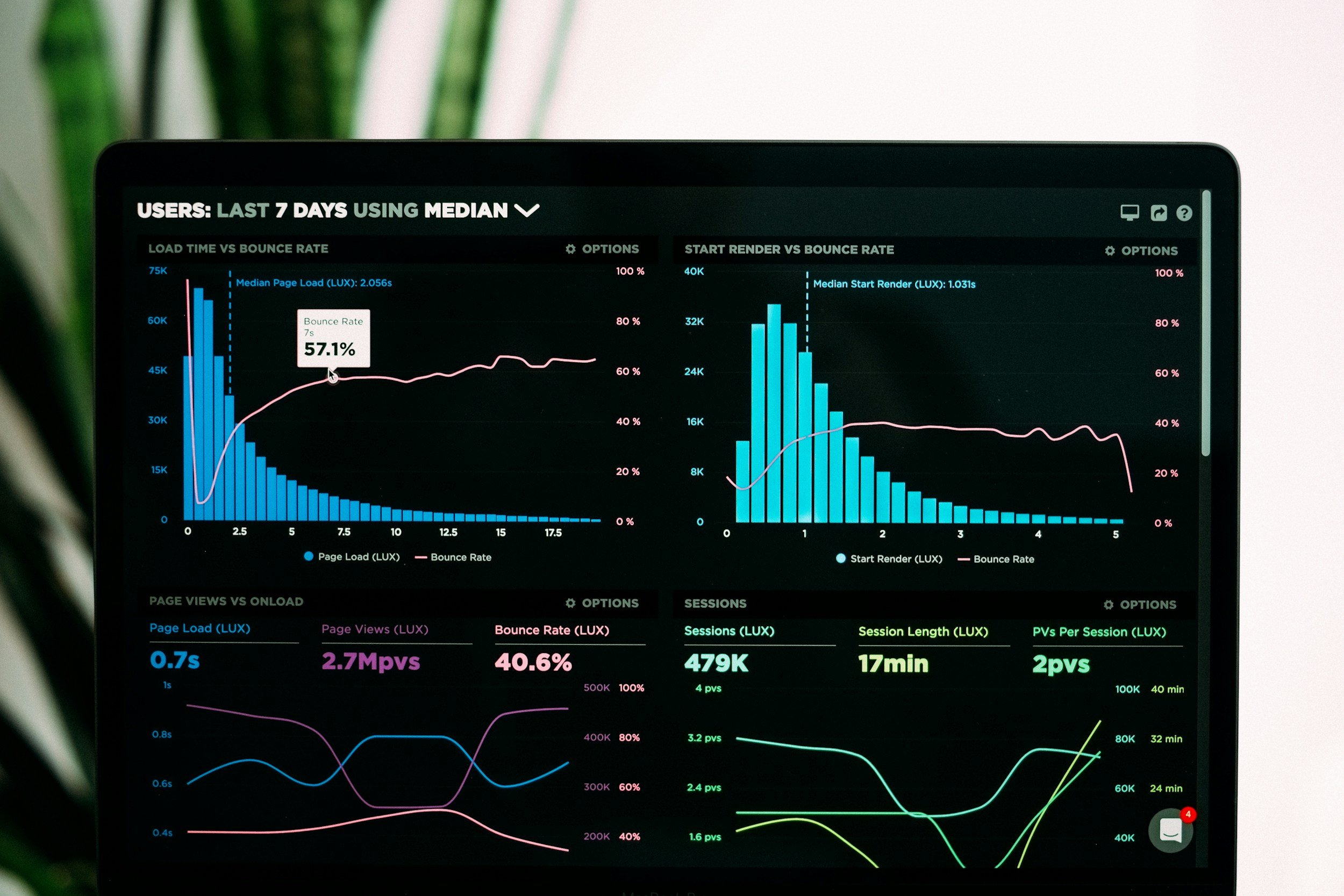
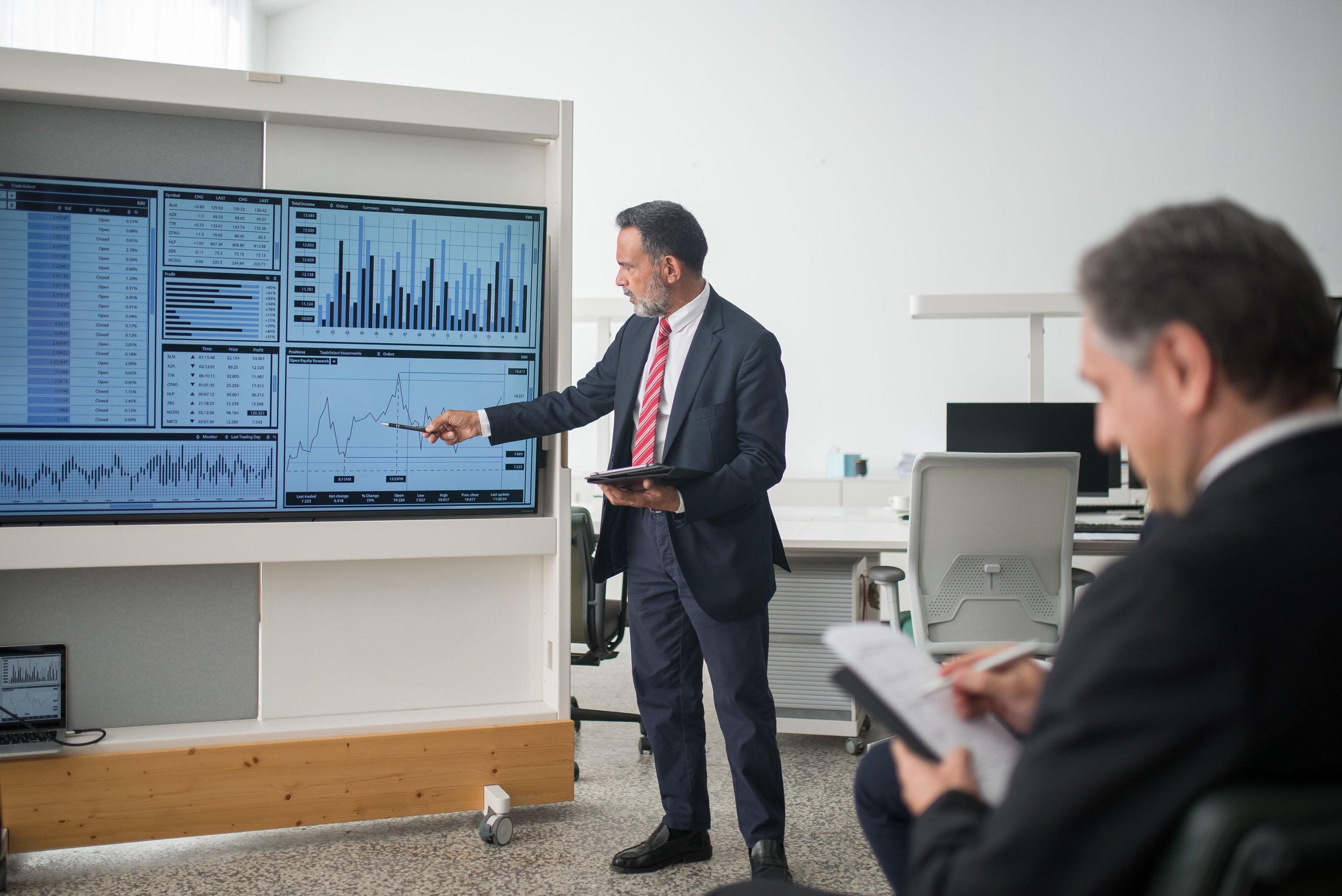
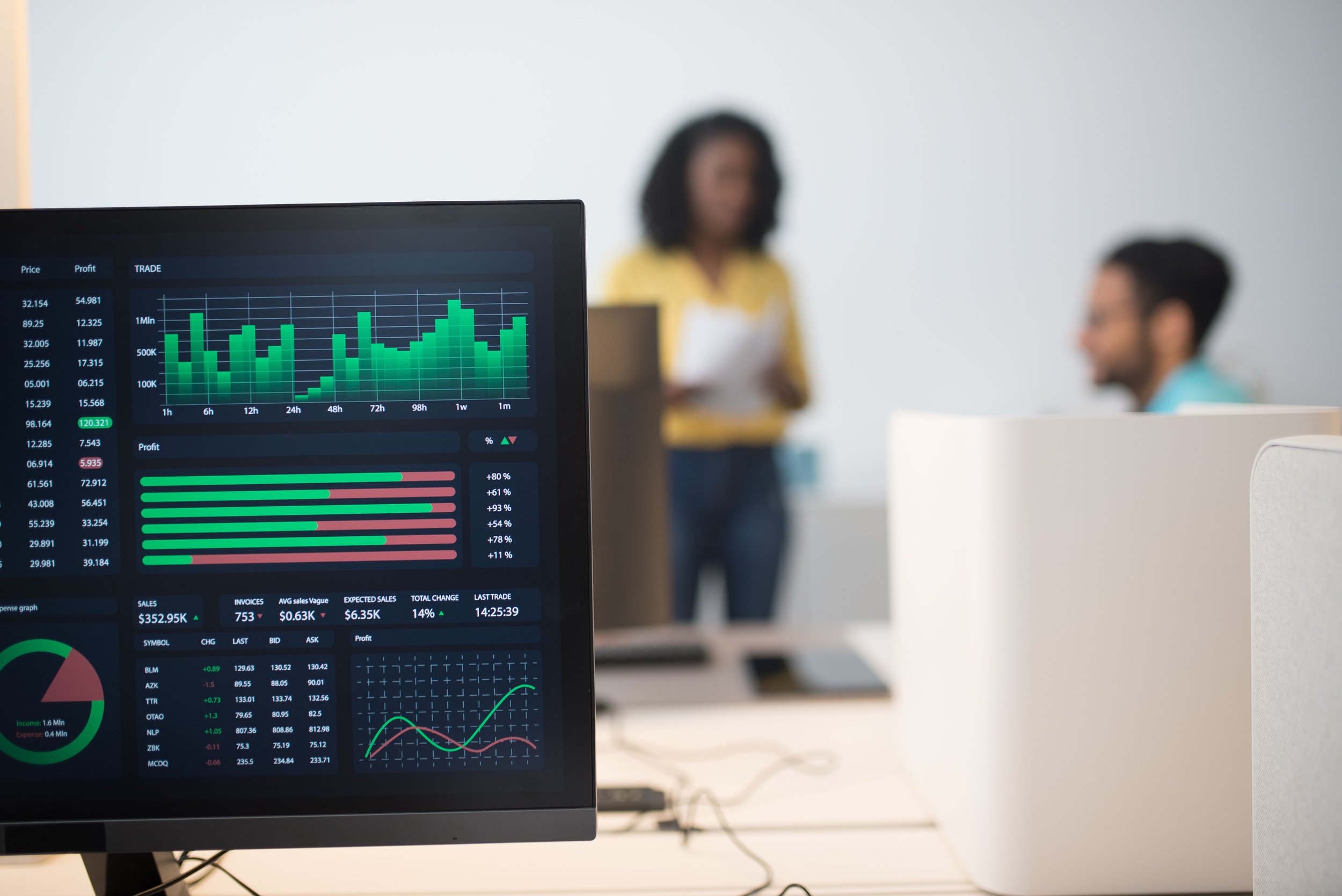
Live views of production, sales, inventory or labor on a shop-floor TV, an office monitor or a phone. Everyone works from the same numbers, updated automatically, so meetings start with decisions instead of debates about whose spreadsheet is right.
Good for: shop-floor boards, daily huddles, leadership overviews.
Alerts and threshold triggers
You set the rules that matter: a job falling behind, stock dropping below its reorder point, a missed time punch, a customer changing an order. When a number crosses the line, the right person gets an email or Teams message right away, not at the end of the month.
Good for: late-order risk, low inventory, payroll cleanup, order changes.
Anomaly flagging
Some problems never cross a fixed line. They just look wrong. We flag figures that fall outside their normal pattern, like a scrap rate creeping up three days in a row or a time entry that doesn't add up, so they get a second look before they become expensive.
Good for: quality trends, data entry errors, equipment drift.
Scheduled reports
Daily, weekly or month-end reports delivered automatically as PDF or Excel. Nobody has to remember to run them, and everyone gets the same version.
Good for: weekly operations summaries, on-time delivery, month-end numbers.
Why Not Just Use Power BI?
Power BI is an excellent tool for analysts who spend their day at a desk exploring data. But most of the people who keep a business running aren’t analysts. They’re supervisors glancing at a screen between jobs, buyers who need to know a part is running low before it runs out, and owners who want Monday’s numbers waiting in their inbox. We build for those people. Our dashboards are designed for shop-floor TVs, office monitors and phones, with big, clear numbers that make sense at a glance. Rather than waiting for someone to go looking, they send alerts the moment something crosses a line you care about.
There’s also the cost of keeping it running. Our tools are priced as a single, flat project. There are no per-user fees, so you can put a dashboard on every screen in the building and give access to everyone who needs it without watching a subscription grow. Everything runs on a computer you own, inside your own network, so your data never has to leave the building.
Most importantly, every solution we build is shaped around how your business actually works, not around what a software package allows. We connect to the systems you already use, including the ones without modern integrations, and combine them into one clear picture. We can turn that picture into action: an alert to the right person, a report that sends itself, or a simple kiosk where your team records what’s happening. And if you already rely on Power BI, it doesn’t have to be either/or. We can work alongside it, filling the gaps it leaves on the shop floor and in your inbox.
Report makeovers
If you're paying for reports nobody reads, we rebuild them as clean, interactive dashboards that answer the question in seconds instead of 37 pages.
Good for: dense SSRS, Crystal and Excel reports.
Data integration
We connect your ERP, accounting, payroll, time clock, quoting and machine-monitoring systems, plus the spreadsheets in between, into one consistent source. Read-only by default, so nothing in your systems changes.
Good for: businesses whose answers are spread across several systems.
Analysis and forecasting
We turn history into a heads-up: how many days of stock you have left, when a part will run out, where overtime is heading, and which customers or products drive late shipments.
Good for: purchasing, scheduling, staffing and planning.
AI-assisted insights
Plain-English summaries of what changed, explanations of unusual numbers, and the ability to ask questions about your own data. AI features are always shown alongside the underlying figures, so your team can check the work.
Good for: busy managers who want the short version first.
Custom tools
Small, purpose-built apps that fit how your team already works: time clock kiosks, trackers, shift-change pass-downs, approval inboxes and more.
Good for: the process that lives in someone's head or on a whiteboard.
Not sure what you need? Take advantage of our free on-site consultation to review and discuss your needs, your goals, and how we can meet that challenge.